No. 01 · Section · v1.0.0
Rail
A collection you can brush past.
Garments hang side-on along a rod. Move along it and the nearest piece turns to face the shopper; click to lift it off and add it to the cart.
Code complete · live Shopify store test pendingPreview shown with demonstration products and imagery from a fictional store, to show how the section can look once installed and configured. Included files and features are detailed below. The demo bag doesn't touch your Maisonblock bag.
What it does
Rail turns a collection into a clothes rail. Each product hangs from a hook, seen from the side. As the pointer moves along the rod, the nearest garment turns to face the shopper while its neighbours lean in, like brushing past a rail in a boutique.
Click a garment and it lifts off the rail into a focused view with front and back photos, sizes and an add-to-cart button. On phones the rail becomes a swipe slider with dots.
Features
- Proximity turn from the side photo to the front photo
- Straight or curved rod with adjustable sag
- Hangers swing when brushed; optional idle breeze
- Lift-off view with Front / Back, sizes and add to cart
- Swipe slider with dots below 600 px
- Keyboard browsing, focus returned on close, reduced motion respected
You'll need
- A transparent PNG or WebP side view and front view per product (back view optional)
- Products with a size option for the size buttons
Configuration options
Every setting this piece adds to the theme editor, read straight from its code; up to 18 blocks.
| Theme-editor setting | Type | Default |
|---|---|---|
| Eyebrow | text | New collection · Premium streetwear |
| Heading | text | Layers that hang right. |
| Caption | text | Crafted in heavyweight fleece. |
| Button label | text | Shop the collection |
| Button link | url | — |
| Look | ||
| Background image | image picker | — |
| Background colour | color | #ffffff |
| Text colour | color | #17171a |
| Rod colour | color | #b9bcc2 |
| Garment height (desktop) | range | 420 |
| Gap between garments | range | 12 |
| Rod shape | select | straight |
| Rod sag | range | 46 |
| Motion | ||
| Turn speed | range | 700 |
| Hanger swing | range | 85 |
| Breeze (garments sway gently at rest) | checkbox | false |
| Mobile slide interval | range | 3 |
| Drop garments onto the rail on scroll | checkbox | true |
| Lift garment off the rail into focus view | checkbox | true |
| Each “Product” block | ||
| Product | product | — |
| Side view (transparent PNG/WebP) | image picker | — |
| Front view | image picker | — |
| Back view (optional, loads on demand) | image picker | — |
Screens
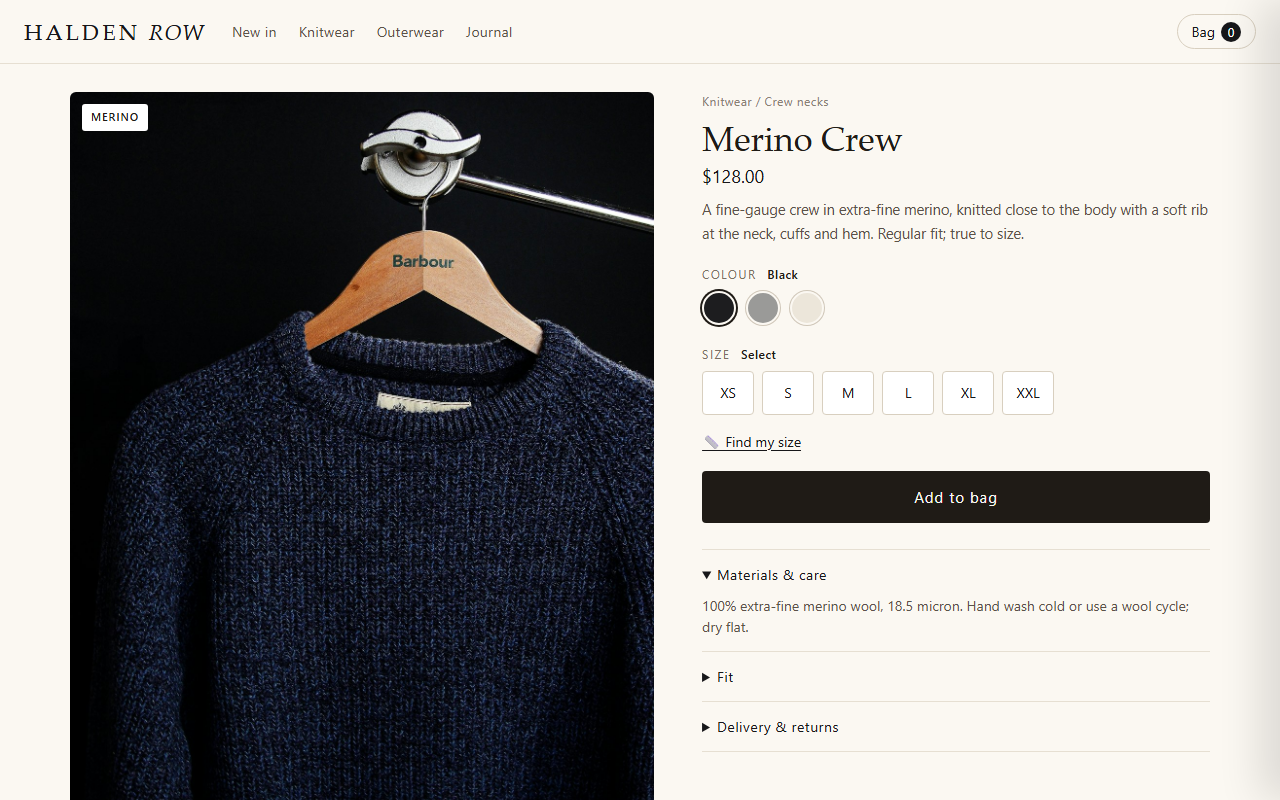
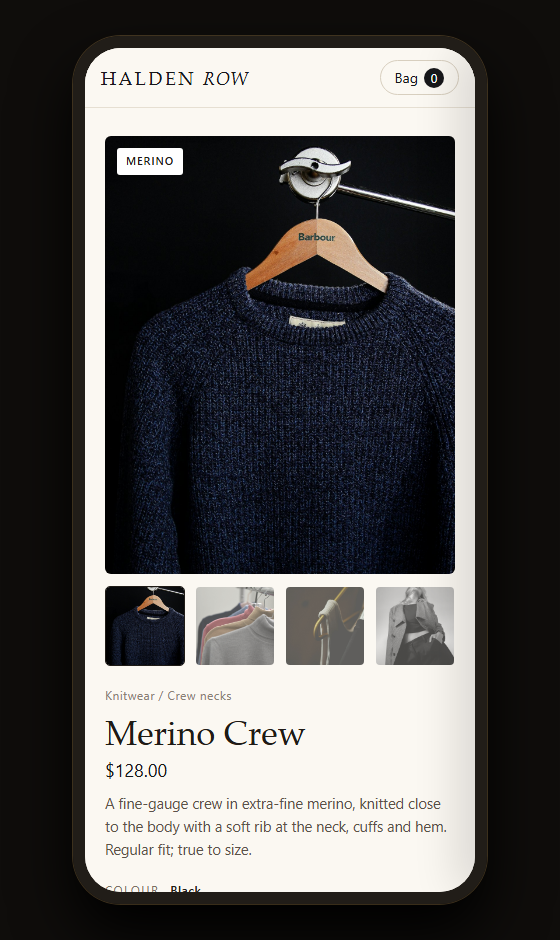
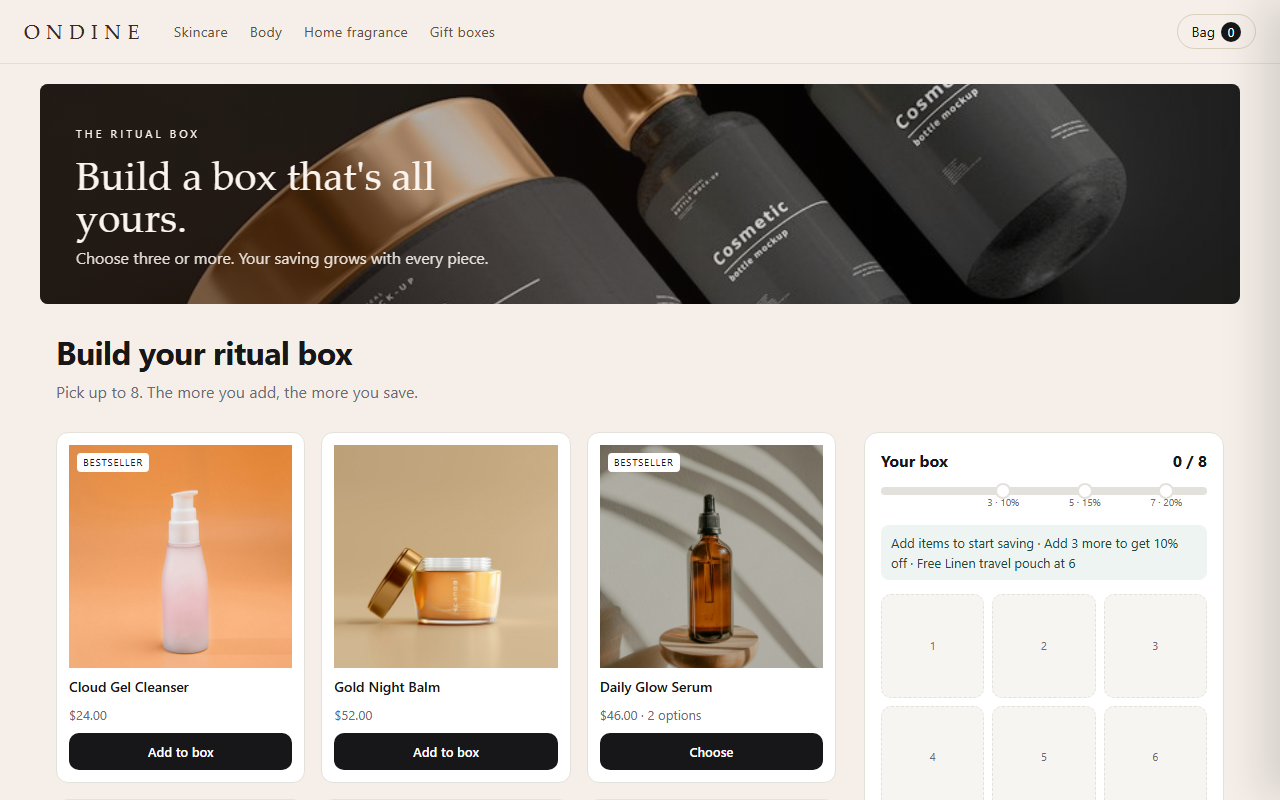
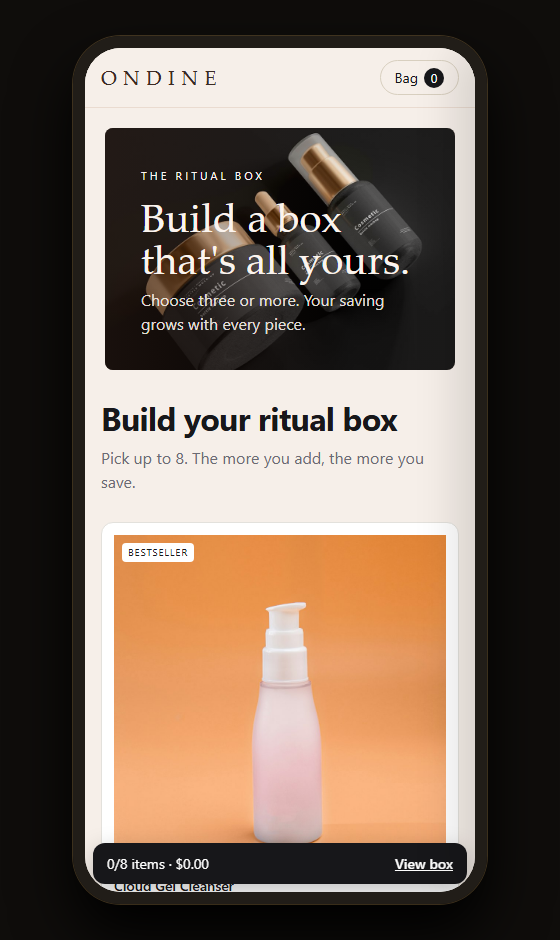
On desktop and phone
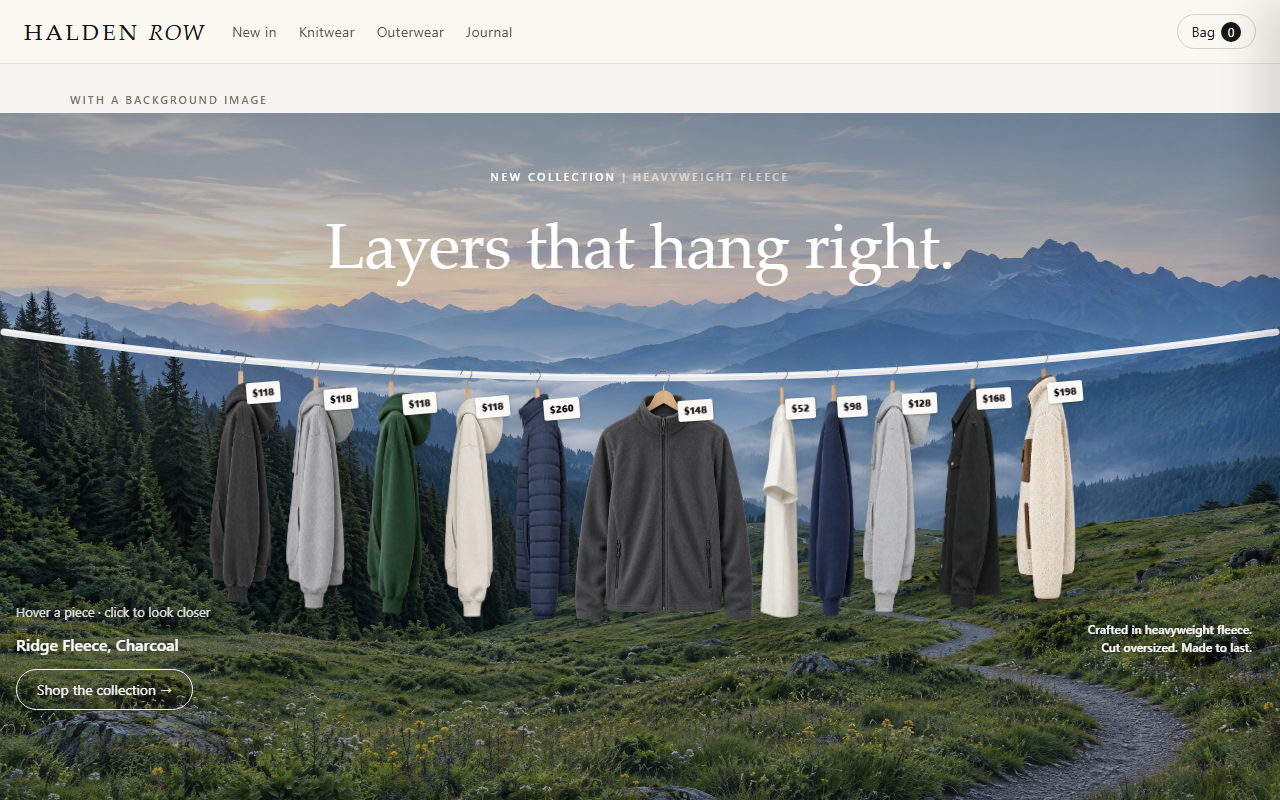
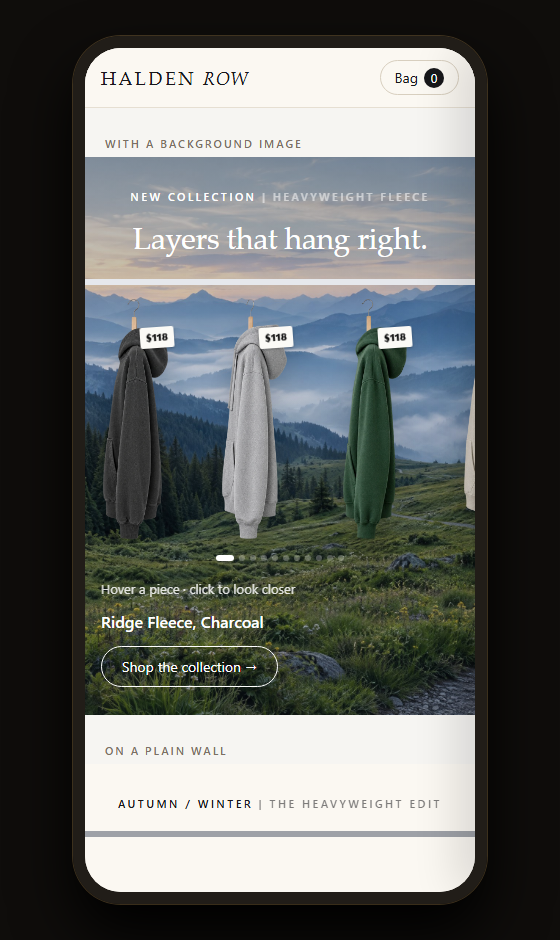
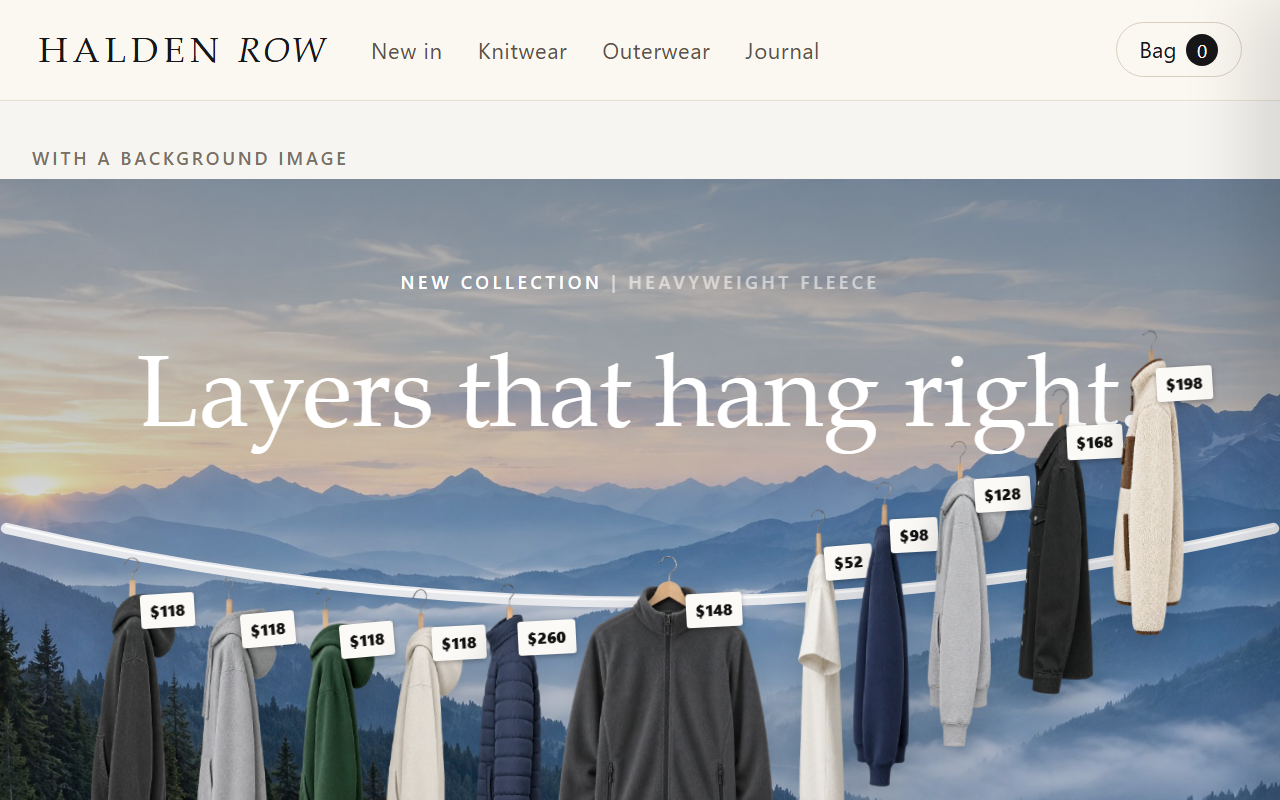
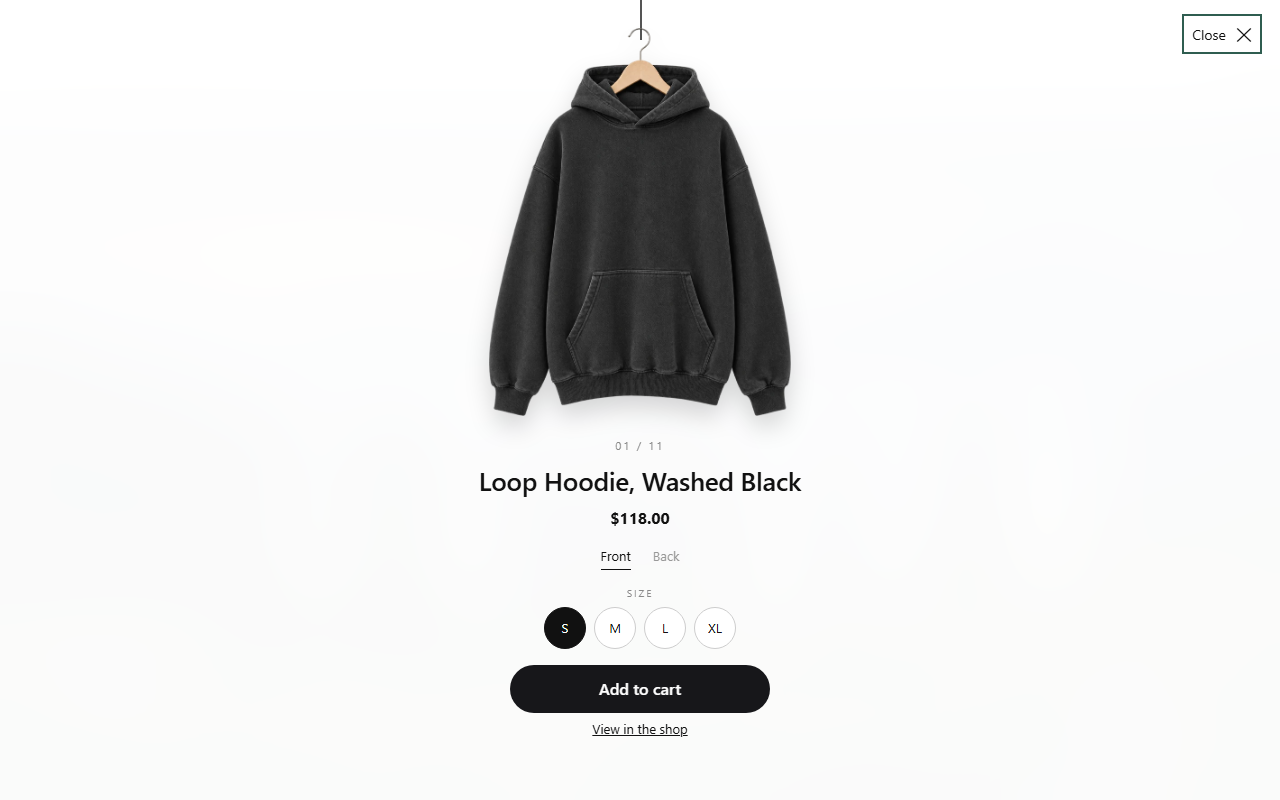
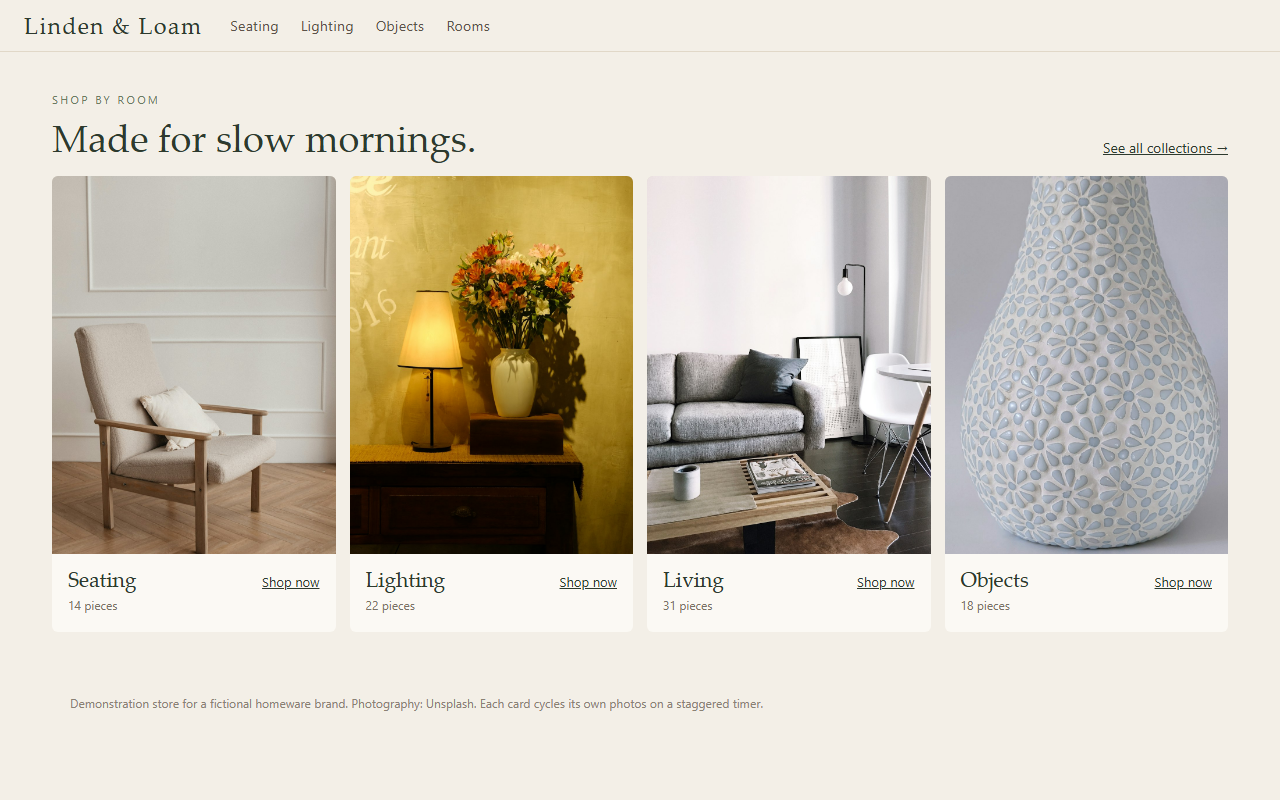
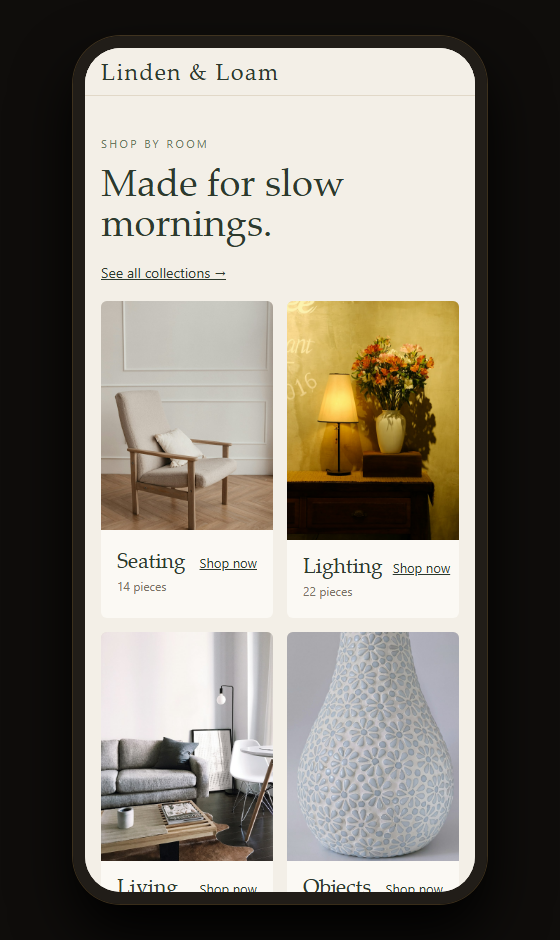
Every image is a capture of the live demo above, unedited. Demo store, products and photography are examples (photos: Unsplash and Pexels).
Questions about Rail
Do I need special photos?
Yes: a cut-out side view and front view of each piece. The setup guide shows how to shoot or prepare them.
How many garments fit on one rail?
Up to 18. Add the section again for more rails.
More from the house