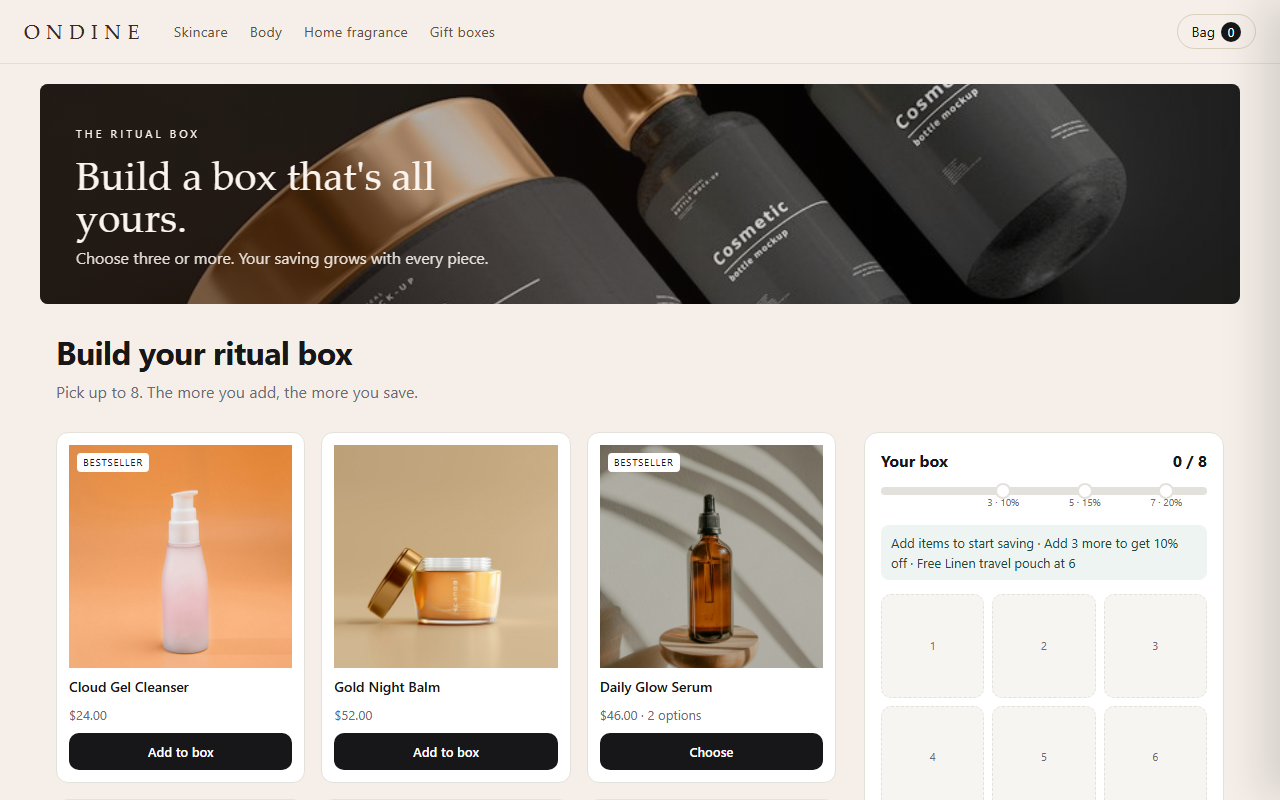
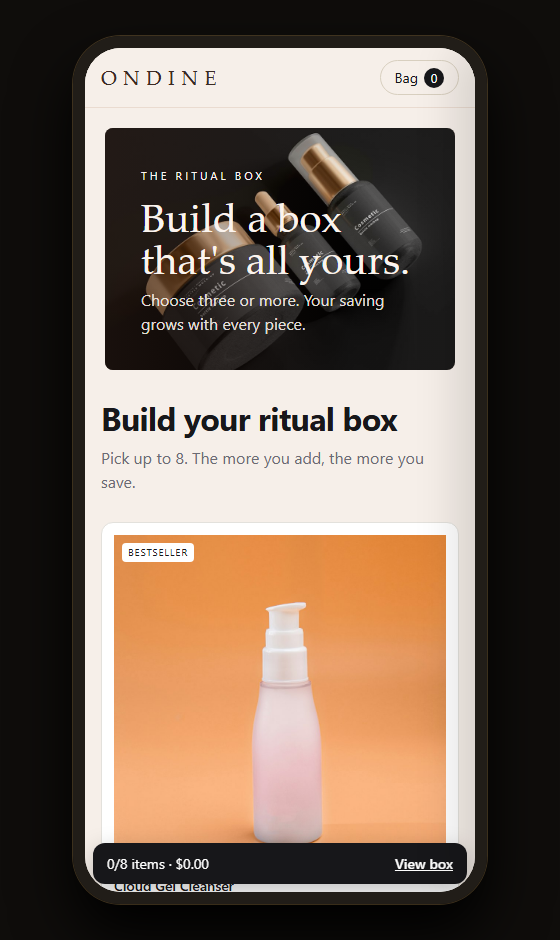
No. 05 · Theme block · v1.0.0
Atelier Kit
The product page, properly dressed.
Quantity breaks, a real stock note, delivery dates, badges, cross-sells and a sticky add-to-cart. Real data only.
Code complete · live Shopify store test pendingPreview shown with demonstration products and imagery from a fictional store, to show how the block can look on your product page. Included files and features are detailed below. The demo bag doesn't touch your Maisonblock bag.
What it does
The Atelier Kit adds the conversion pieces most product pages need in one block: quantity-break tiers with a variant picker per item, a delivery estimate with a same-day cut-off, a stock note, badges, feature lines, cross-sells and a sticky add-to-cart bar.
It never invents numbers. There is no "people viewing now" counter, because themes have no real visitor data. The stock note reads your inventory and the offer timer only runs to a real end date you set.
Features
- Quantity-break tiers with a variant picker per item
- One-item tier follows the theme's variant picker
- Stock note from real inventory
- Offer timer to a real end date, then it disappears
- Delivery dates with a same-day cut-off
- Badges, feature lines, cross-sells, sticky add-to-cart
You'll need
- A Shopify automatic discount per tier (the guide lists them)
- Inventory tracking on, for the stock note
Configuration options
Every setting this piece adds to the theme editor, read straight from its code.
| Theme-editor setting | Type | Default |
|---|---|---|
| Quantity breaks | ||
| Heading | text | Bundle & save |
| Layout | select | vertical |
| Selected tier | range | 2 |
| Show the amount saved after adding | checkbox | true |
| Tier 1 | checkbox | true |
| Tier 1 quantity | range | 1 |
| Tier 1 discount | range | 0 |
| Tier 1 label | text | Buy 1 |
| Tier 1 corner label | text | — |
| Tier 1 perk | text | — |
| Tier 2 | checkbox | true |
| Tier 2 quantity | range | 2 |
| Tier 2 discount | range | 10 |
| Tier 2 label | text | Buy 2 |
| Tier 2 corner label | text | Most popular |
| Tier 2 perk | text | Free shipping |
| Tier 3 | checkbox | true |
| Tier 3 quantity | range | 3 |
| Tier 3 discount | range | 18 |
| Tier 3 label | text | Buy 3 |
| Tier 3 corner label | text | Best value |
| Tier 3 perk | text | — |
| Tier 4 | checkbox | false |
| Tier 4 quantity | range | 4 |
| Tier 4 discount | range | 22 |
| Tier 4 label | text | Buy 4 |
| Tier 4 corner label | text | — |
| Tier 4 perk | text | — |
| Corner label background | color | #16130F |
| Corner label text | color | #FFFFFF |
| Perk background | color | #EEF4F1 |
| Perk text | color | #1F4A3D |
| Offer timer | ||
| Offer ends (YYYY-MM-DDTHH:MM) | text | — |
| Timer label | text | Offer ends in |
| Stock and delivery | ||
| Show stock note | checkbox | true |
| Say "Only N left" at or below | range | 5 |
| Show delivery dates | checkbox | true |
| Same-day dispatch cut-off | range | 15 |
| Delivery takes at least | range | 3 |
| Delivery takes at most | range | 6 |
| Badges, banner and features | ||
| Badge 1 | text | — |
| Badge 1 background | color | #16130F |
| Badge 1 text | color | #FFFFFF |
| Badge 2 | text | — |
| Badge 2 background | color | #E8D9A8 |
| Badge 2 text | color | #16130F |
| Banner text | text | — |
| Banner background | color | #4F5B47 |
| Banner text colour | color | #FFFFFF |
| Feature lines | textarea | — |
| Cross-sells | ||
| Heading | text | Pairs well with |
| Products | product list | — |
| Sticky bar and theme | ||
| Sticky add-to-cart bar | checkbox | true |
| Theme variant field (advanced) | text | form[action*='/cart/add'] [name='id'] |
| Focus colour | color | #B4472A |
Screens
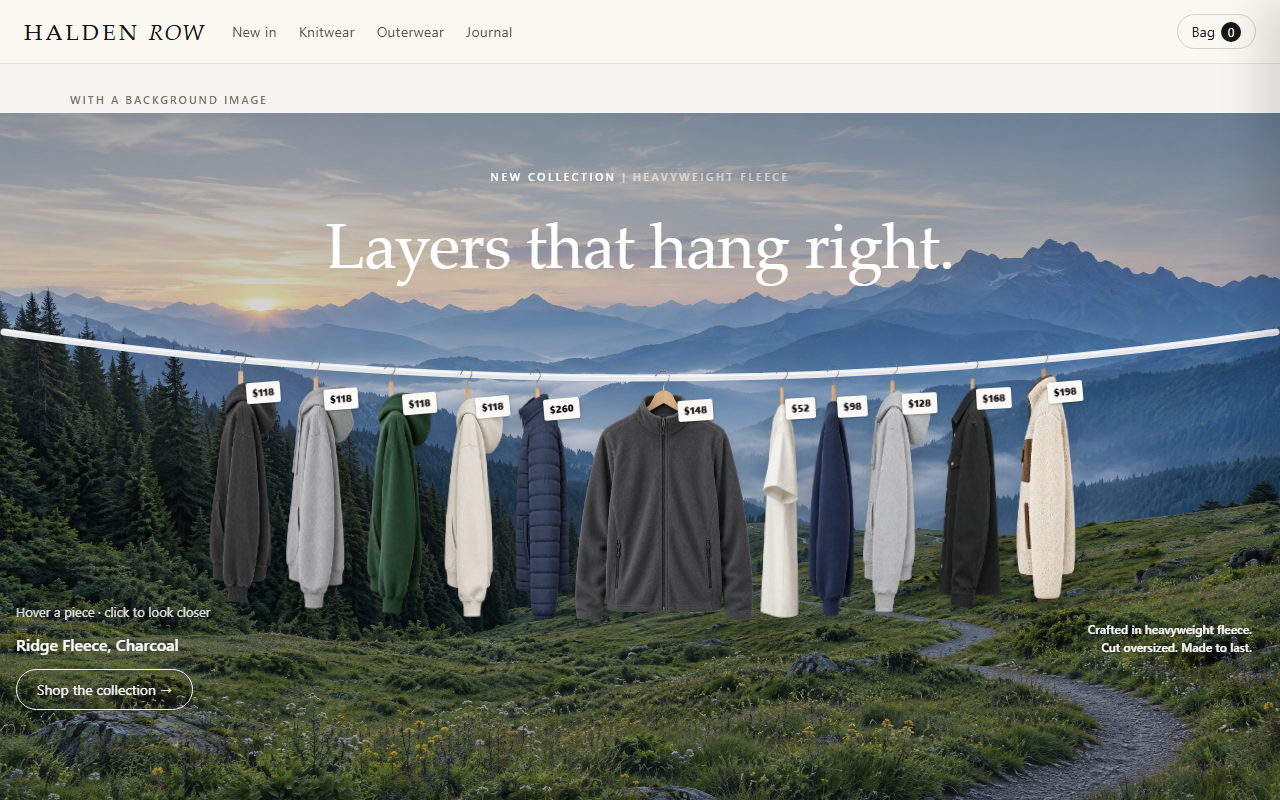
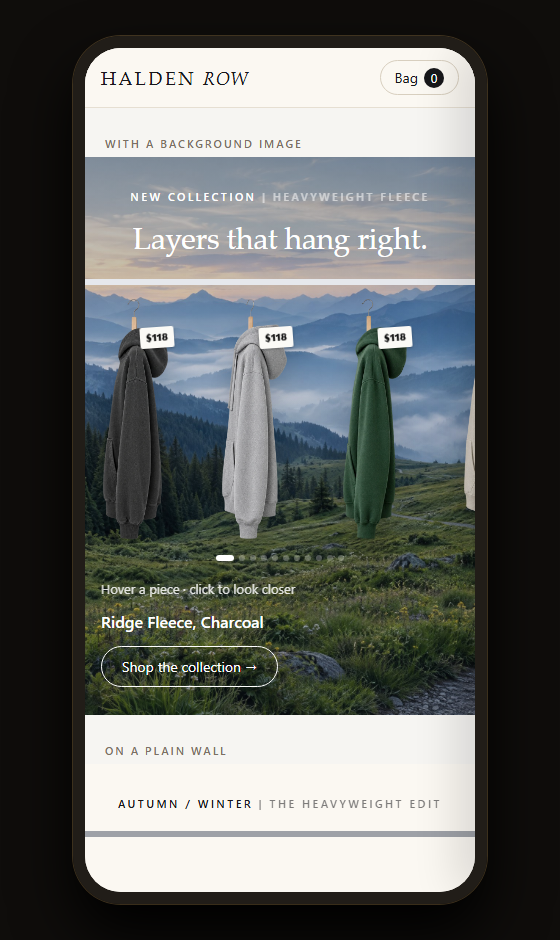
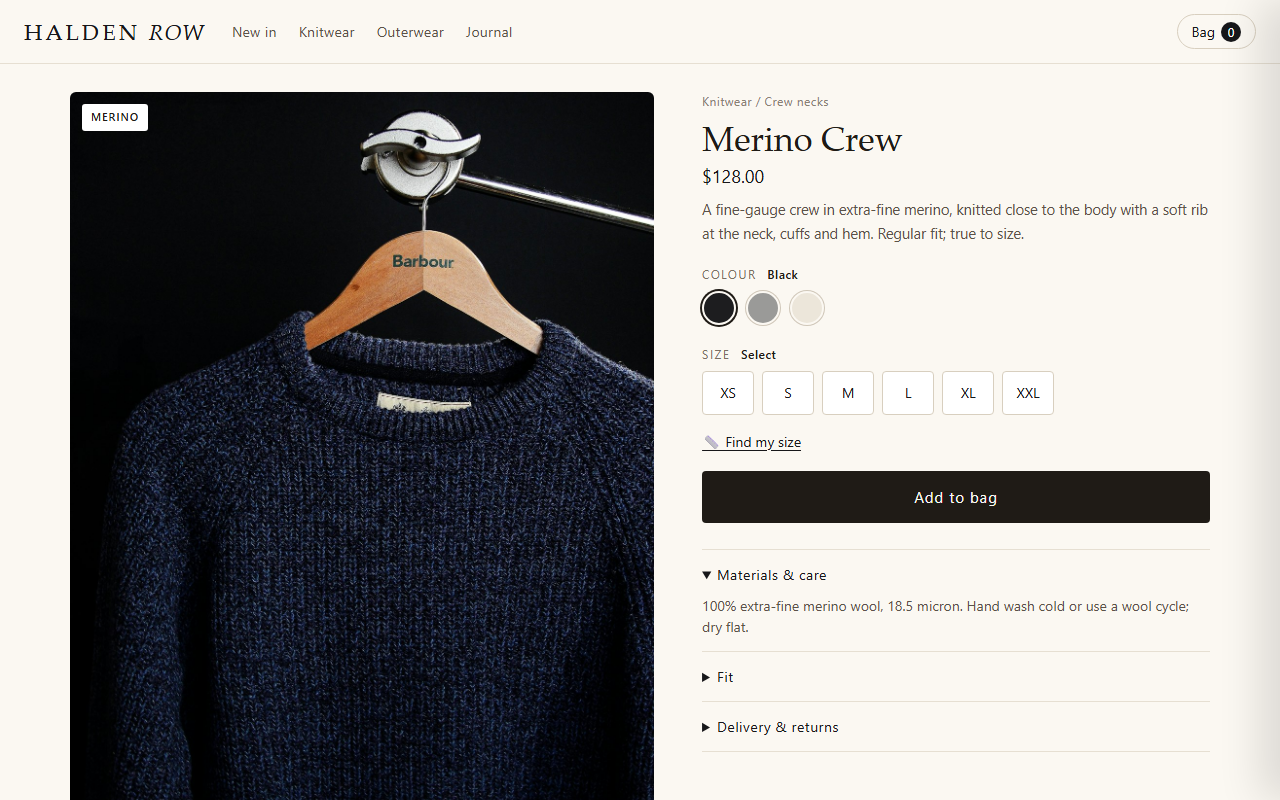
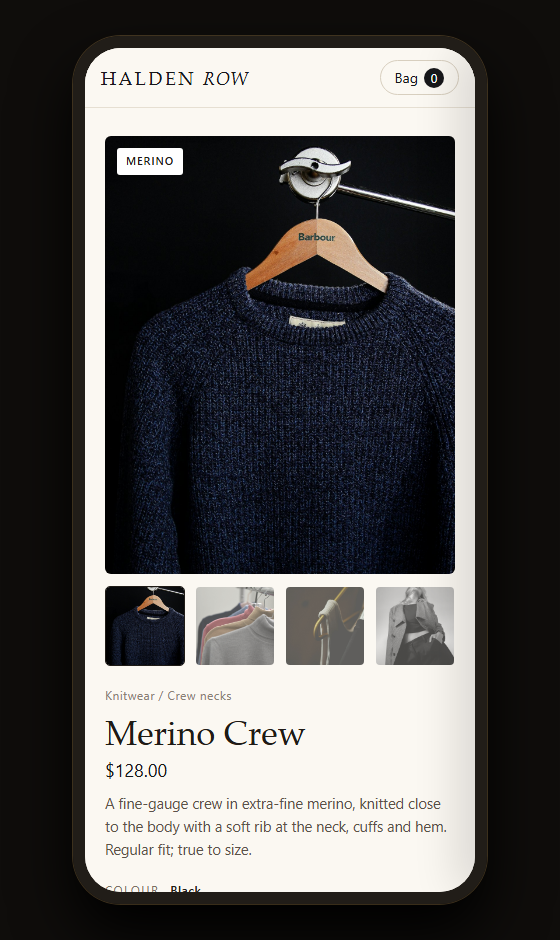
On desktop and phone
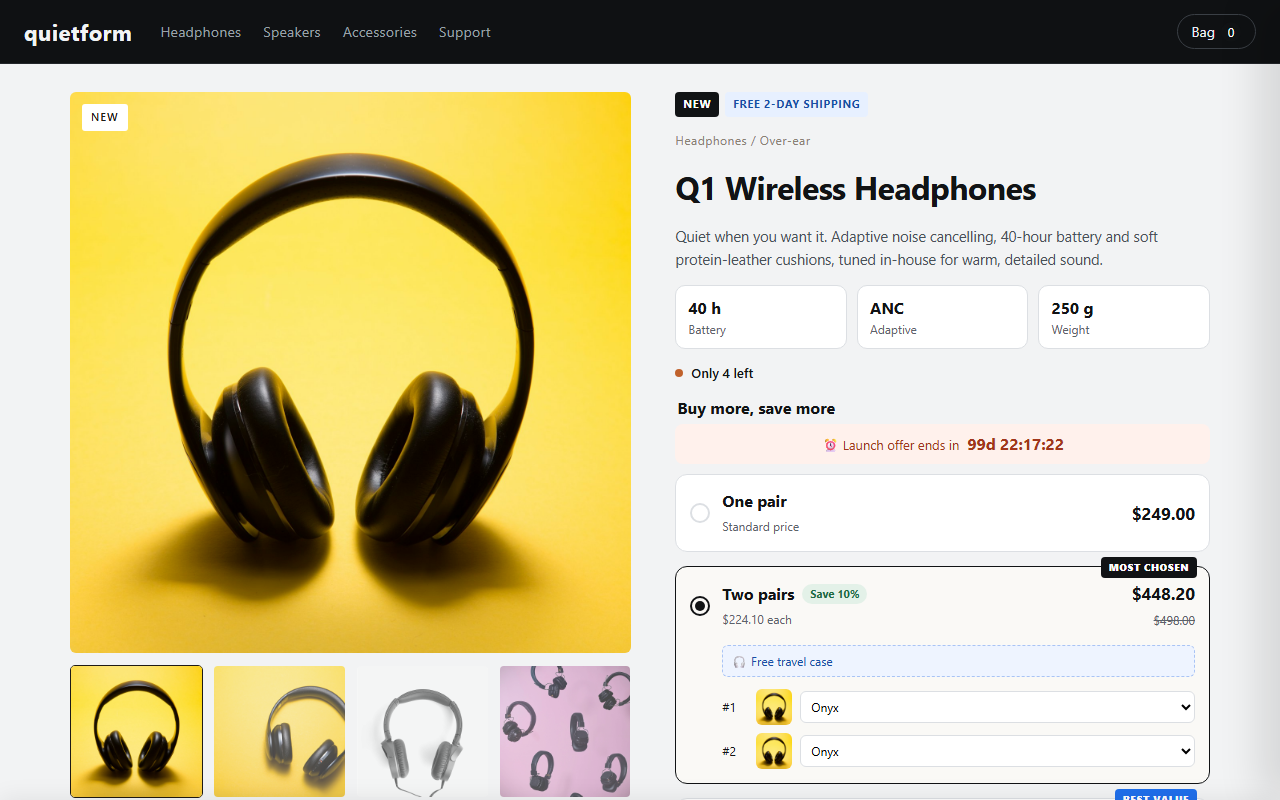
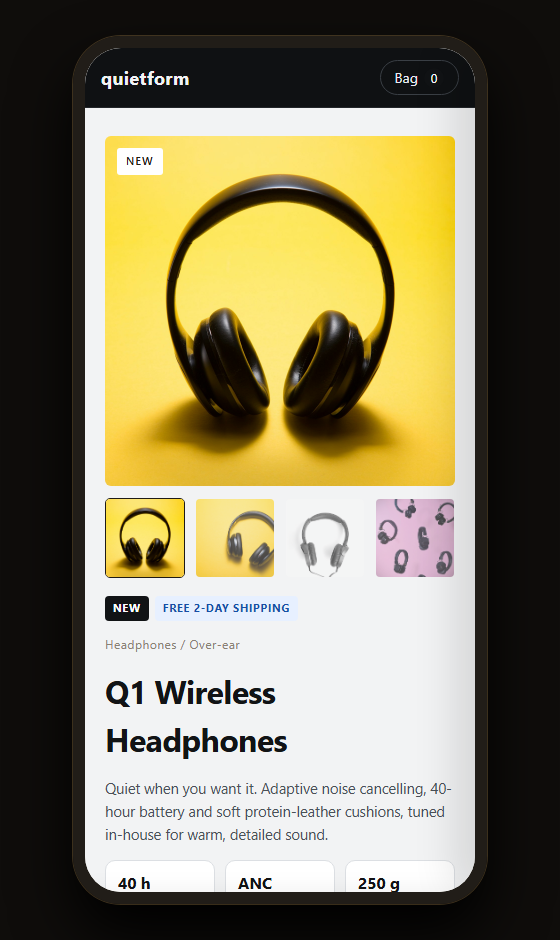
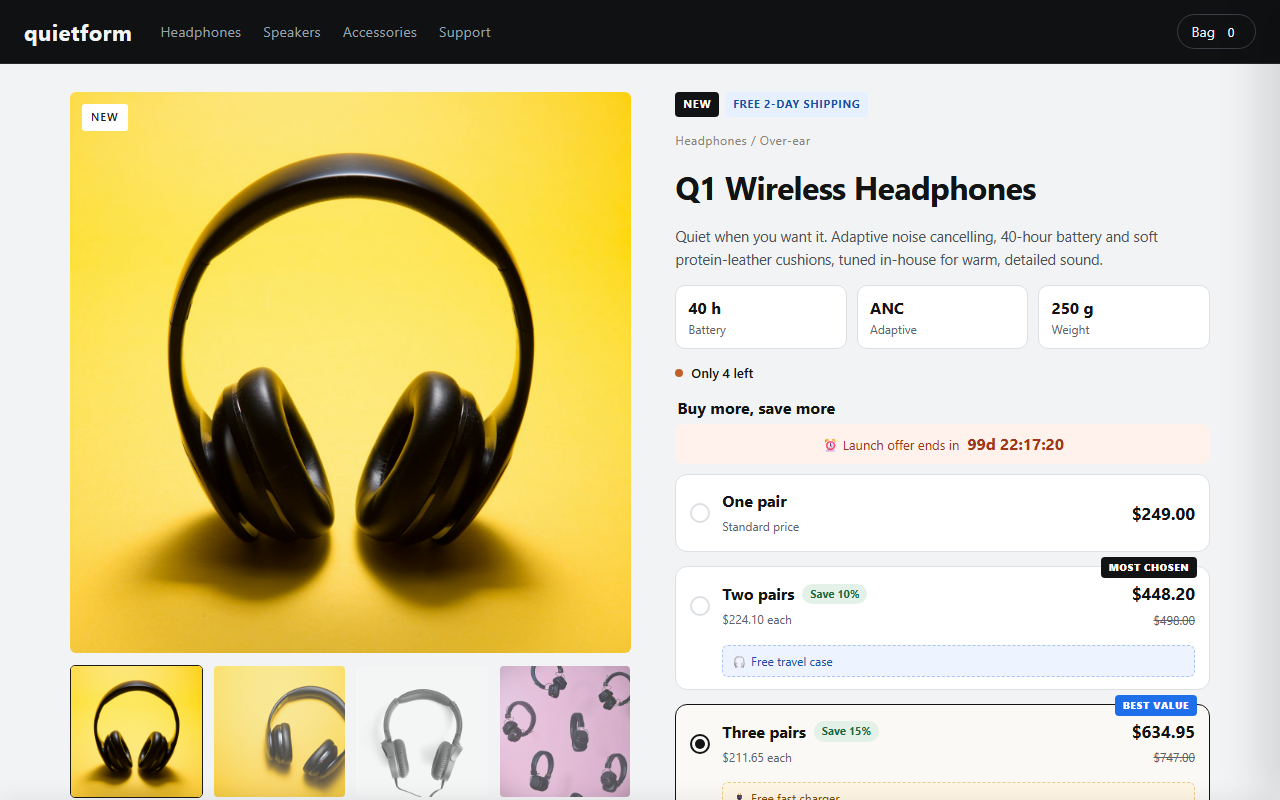
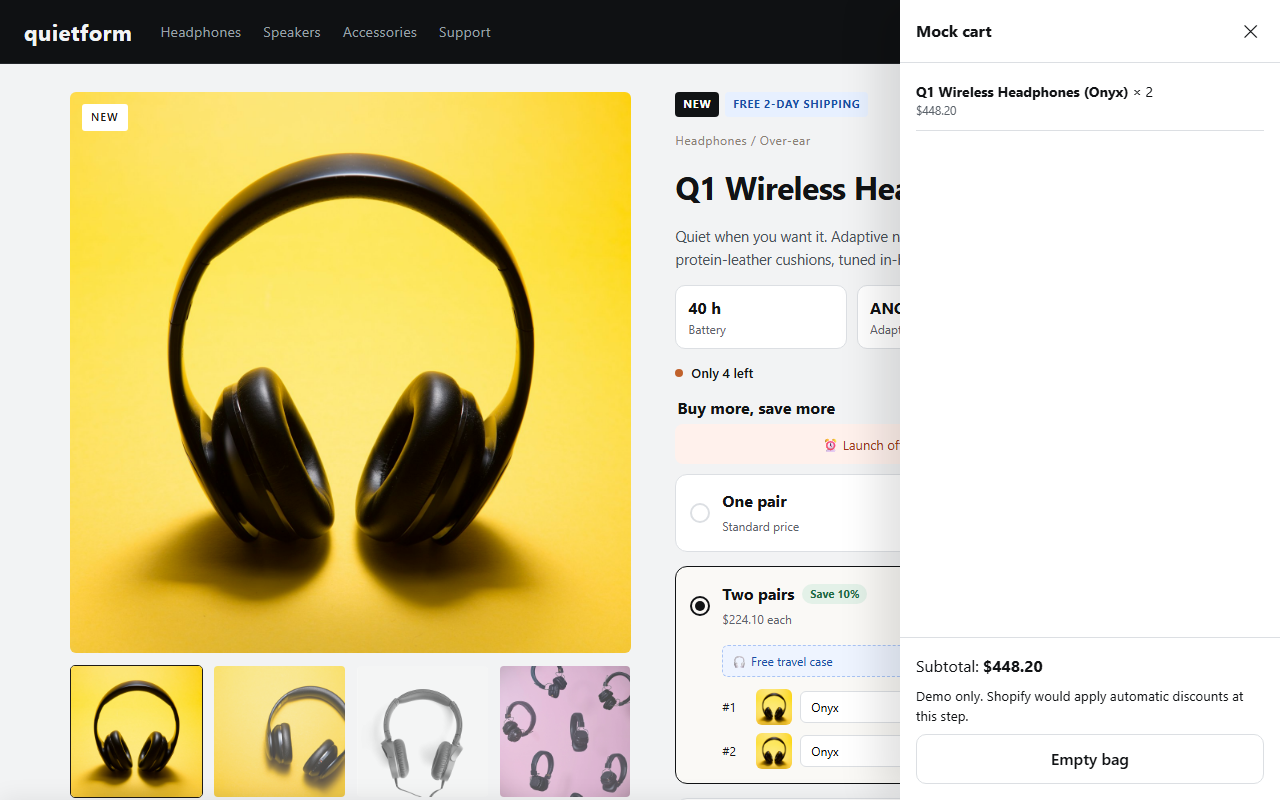
Every image is a capture of the live demo above, unedited. Demo store, products and photography are examples (photos: Unsplash and Pexels).
Questions about Atelier Kit
Where is the "viewing now" counter?
There isn't one. Any such counter would be invented. The stock note uses real inventory instead.
More from the house